A Data Flow Target is the destination where processed data from a data flow operation should be stored.
Selecting a Target
Drag a Target type from the Elements panel to the left of your Data Flow:
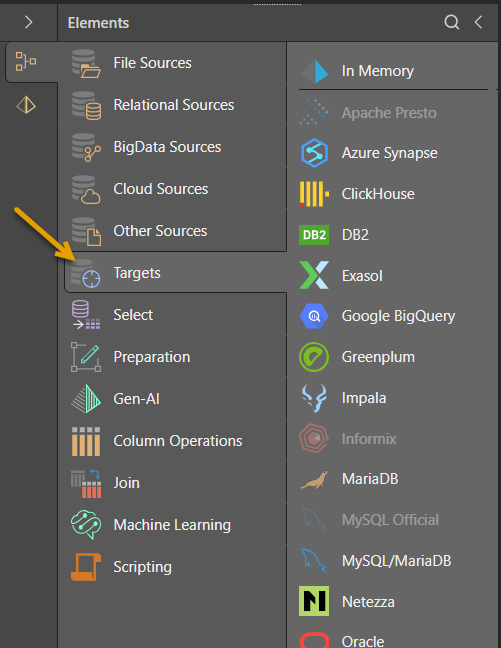
- Click here for a list of supported data sources and targets.
Specify Target Properties
Select the Target node on the canvas and then use the options at the top of the Properties panel (blue highlight below) to define its details:
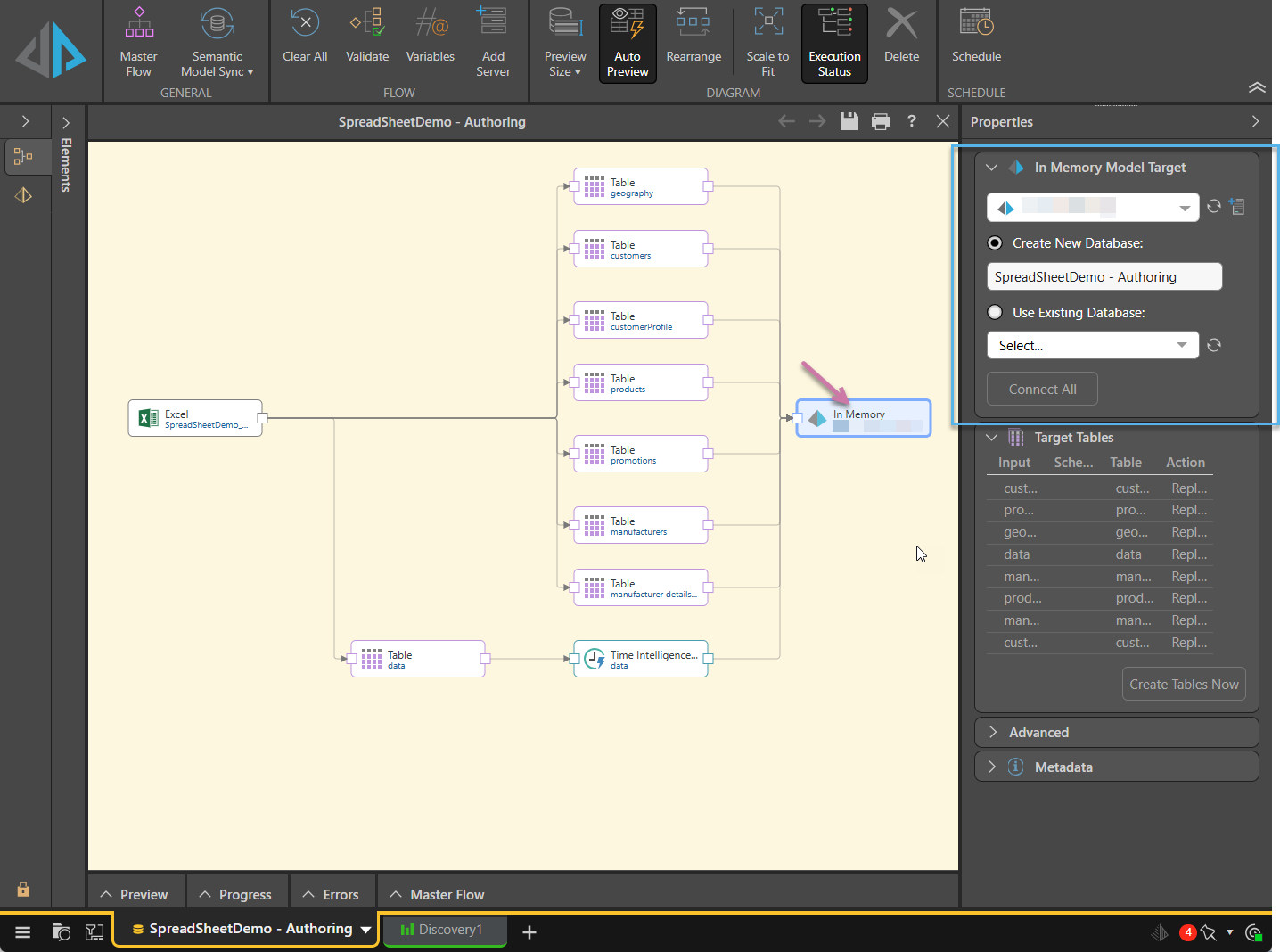
From the target's Properties panel:
- You must select an existing database or specify a new database name. Tip: Click the relevant Refresh buttons to refresh the server or database selection.
- The target can only be used to create a data model for Discover if it is a database server (SQL Server, Oracle, PostgreSQL, etc) or an IMDB.
- If the target is a text or Parquet file, then Database Name will be used as the directory name.
- If the target is an Excel file, then Database Name will be used as the file name.
- Click Connect All to connect the nodes to the target.
Target Tables
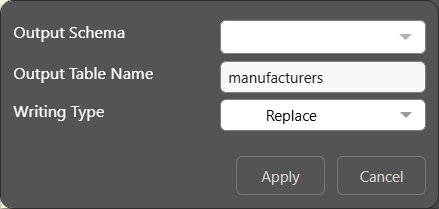
From here, you can click on the Table row in this view to configure a number of properties table outputs in the Data Flow. For some data sources (SQL Server, SQL Server Azure, PostgreSQL, SAP HANA, DB2, Redshift, and Snowflake), you can change the output name for tables, determine the writing type, and for some targets you can change the output schema.
- Click here to learn more about target tables.
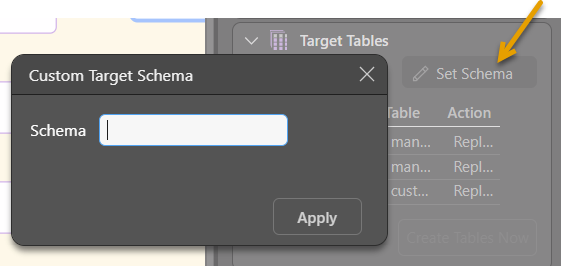
Set Schema
This option allows you to specify a Custom Target Schema for the following targets: SQL Server, SQL Server Azure, PostgreSQL, SAP HANA, DB2, Redshift, and Snowflake.
- Click here to learn more about setting a custom target schema.
Execute Script After Completion
When using SQL, PostgreSQL, or MySQL targets, you will also have the option to execute an SQL script after the ETL is run.
- Click here to learn more.